

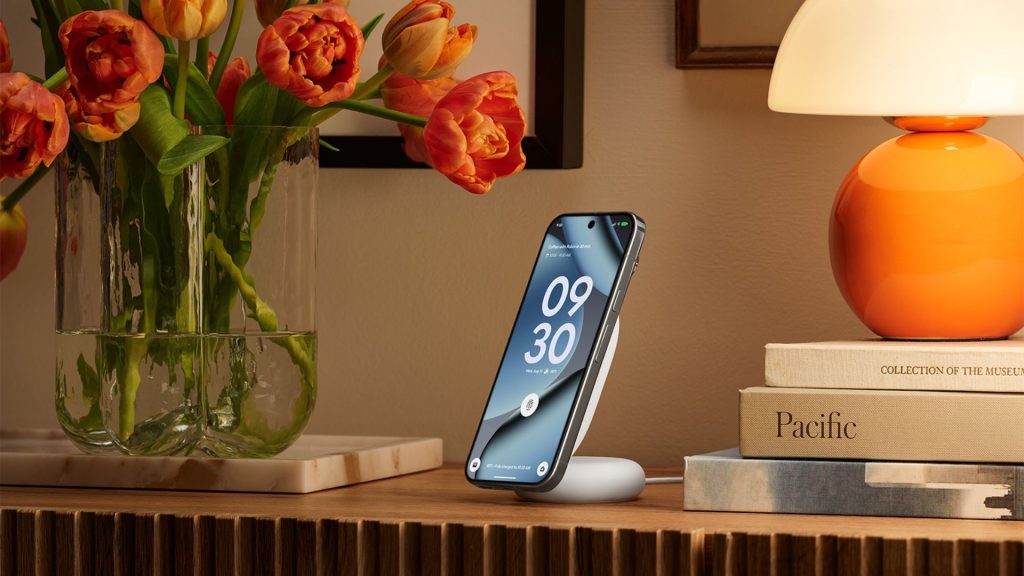
Google has confirmed that its Pixelsnap Charger receives firmware updates automatically and silently while charging a Pixel phone, with the latest release sitting at version 1.51.0.
Pixel owners can verify their charger’s firmware status by navigating to Settings, then Connected devices, and selecting the charger from the list of paired accessories, giving users a straightforward way to confirm whether their unit is running the most current software.
The updates maintain Qi compatibility and keep the charger performing at its intended standard, with Google framing the silent background update process as a hands-off approach that requires no input from the user during normal charging use.
The automatic update mechanism sets the Pixelsnap Charger apart from the vast majority of wireless chargers on the market, where firmware is either fixed at the factory or requires proprietary software and a PC connection to update, a process that most consumers never attempt.
For users without a Pixel device, Google has launched a dedicated web portal at pixel.google.com/pixelsnap that enables manual firmware updates through a different method, plugging the USB-C end of the charger into any Android 16 or newer phone and visiting the page through mobile Chrome rather than a desktop browser.
How to update manually
The manual update process involves selecting the Pixelsnap Charger from a list of compatible devices within the web portal, granting Chrome access to the connected accessory, and following the on-screen instructions to check and install any available firmware releases.
Google updated its Pixelsnap support documentation with these details over the past three months, suggesting the manual update pathway has been available quietly for some time before receiving wider attention from users and third-party publications.
The $39.99 Pixelsnap Charger sits within Google’s broader Pixel accessory ecosystem, and the introduction of a firmware update infrastructure reflects a growing expectation that charging hardware should receive software support in the same way smartphones and smartwatches do.
Users can check whether their charger requires an update at any time through either the Settings menu on a paired Pixel phone or by visiting the dedicated support portal on a compatible Android device.
The post How to make sure your Pixelsnap charger is properly updated appeared first on Trusted Reviews.