

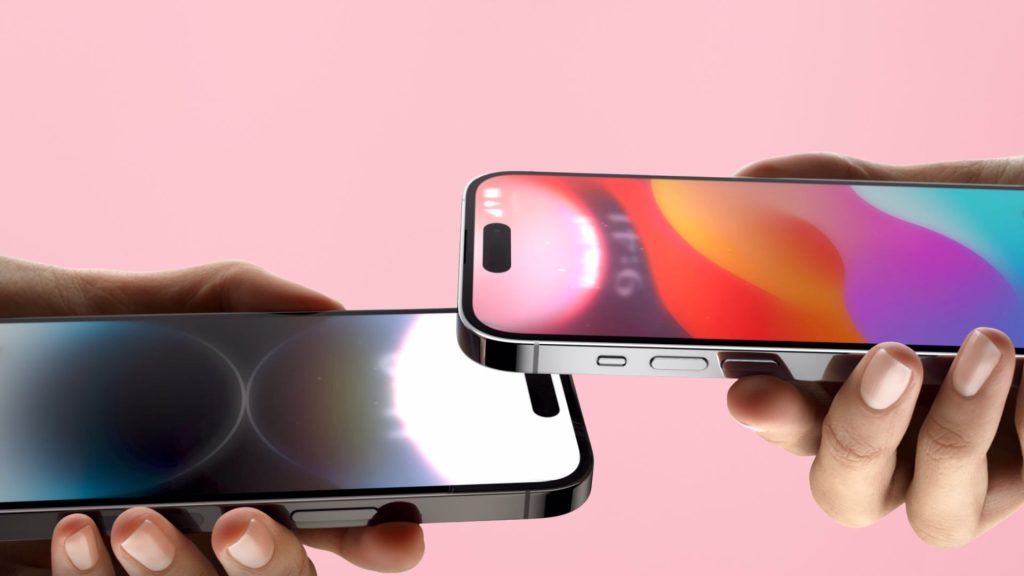
Google is bringing a more seamless way to share content between Android devices with Tap to Share.
It’s essentially an AirDrop-style addition to Quick Share that lets users transfer photos, videos, links, contact information and more, simply by tapping two phones together, and it’s rolling out to Pixel devices first.
The Pixel 6 and newer models running Android 17 get access now, while Google says Tap to Share will also arrive on the Samsung Galaxy Z Fold 8 Ultra, Galaxy Z Fold 8 and Galaxy Z Flip 8 soon. Other Android devices are set to receive the feature by the end of the year, but the specifics are still to be confirmed.
Tap to Share builds on Quick Share rather than replacing it. Android community engagement manager Mishaal Rahman noted that the feature also works from the home screen and from the Android Share Sheet, before Quick Share has been selected.
That should make sending something to a nearby Android user feel considerably more straightforward. Instead of navigating through menus to find the right sharing option, the physical tap between devices is designed to start the process.
There are a couple of things to keep in mind, though. Both phones need NFC enabled, and knowing where each device’s NFC antenna is located can make the process easier. Google’s new Pixel 11, for example, places its NFC antenna towards the top of the phone, partly to make features such as Tap to Share and contactless payments more convenient.
If you’re unsure where the antenna sits, Google suggests overlapping the displays or trying the phones back-to-back. Thick cases can also interfere with the connection, so removing them may be necessary if the phones aren’t detecting each other.
The post Google’s Tap to Share brings AirDrop-style sharing to Android appeared first on Trusted Reviews.