

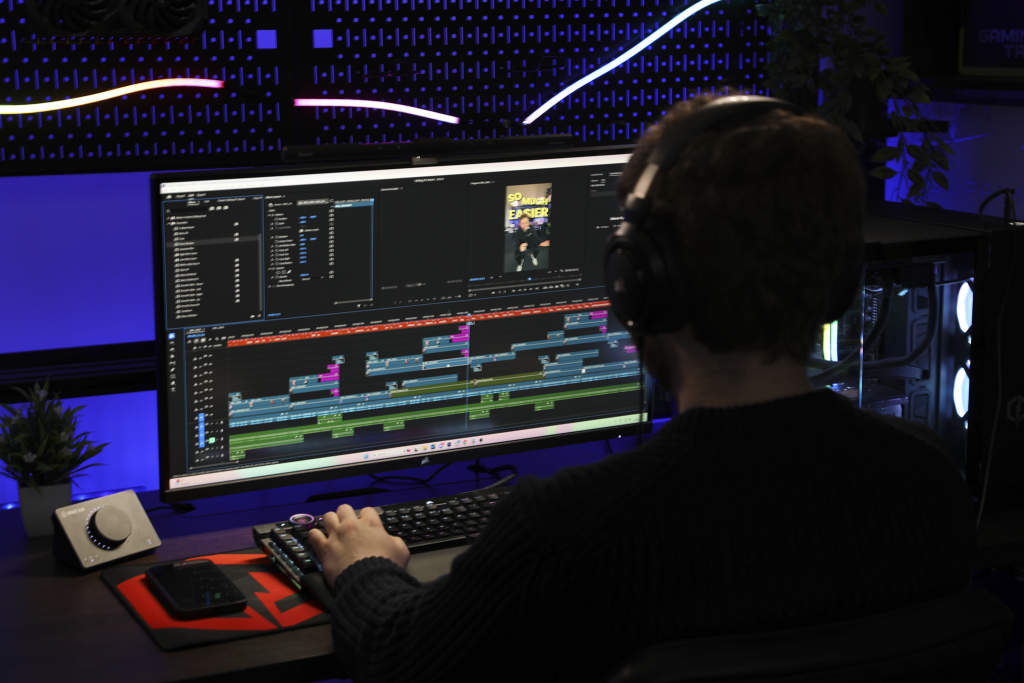
Professional users can often be some of the most demanding, with tasks such as running CAD software, rendering 3D scenes, editing high-resolution video or training machine learning models. Oftentimes, a standard desktop or gaming PC isn’t built for the job, which is where a workstation PC comes in. A workstation is a specialised PC built with these kinds of workloads in mind, and this guide covers whether one is right for you.
What is a workstation PC?
A workstation PC is built for demanding professional tasks rather than for general use or entertainment like a more standard PC is. Workstations are designed around sustained, heavy workloads: large file sizes, multi-threaded applications, and render or processing jobs that can run for hours.
Where a typical desktop handles everyday tasks comfortably, a workstation runs specialist software reliably, day after day, without becoming unstable under prolonged load. It’s typically paired with enterprise-grade components that go beyond what the average consumer needs.
How does a workstation PC differ from a gaming PC?
A gaming PC provides more power than a typical desktop, and plenty of people assume it’s close enough for workstation-type use. It has a strong GPU and a capable CPU, plus is decently capable of handling heavier workloads such as Blender or video rendering. However, gaming is traditionally short, intense bursts, and the components for this are chosen accordingly. Professional work is the opposite: a long, unglamorous and continuous load that requires a different kind of PC.
Workstations are traditionally built on more specialist platforms than consumer-grade PCs, utilising the likes of AMD’s Threadripper Pro chips or Intel’s Xeon W processors at their core. These bring support for up to eight-channel memory (against dual-channel on consumer desktops), far more PCIe lanes for multi-GPU setups or large SSD arrays and much higher memory ceilings for greater multitasking potential and the ability to deploy AI models, for instance.
Workstation platforms also support ECC memory. ECC stands for error-correcting code, and it lets the memory detect and correct single-bit errors on the fly. It’s important for the long-running workloads workstations regularly handle, helping to prevent crashes and the loss of work that could be hours in the making, such as heavy rendering.
Storage support is another key difference. Workstations tend to support RAID, which stands for redundant array of independent disks. Much like in a NAS, it allows you to mirror data, or spread it with parity, across multiple drives, so the system can keep running if one drive fails. This also means you’ll have a way of restoring projects or system data with ease. Redundancy isn’t a replacement for any other backups, though.
What makes a good workstation?
A key thing to note in any case is reliability. Workstations are designed to run for extended periods, and it’s whether the components you choose are up to the task for hefty, often extended workloads, hence the presence of ECC RAM, for instance.
Likewise with a gaming PC, expandability and future-proofing deserve similar thought, especially if the scope for a project gets bigger rather than smaller. You’ll want to make sure you’ve got enough room for any potential upgrades, such as more RAM slots, another storage drive, or enough power headroom to install a beefier CPU or GPU as required.
Can my component choice be affected by the type of work I’m doing?
Yes. Depending on the type of work you’re undertaking, it can shift the priorities of your work. Tasks such as CAD and engineering work lean more on single-core CPU performance and benefit from considered GPU selection. Choosing the right GPU is also integral for graphically intensive tasks such as 3D modelling or video editing.
For instance, a properly certified mid-range pro-grade GPU typically outperforms a theoretically faster consumer card in heavier CAD viewport workloads. Raw grunt also hits diminishing returns quicker than you may think, meaning certification can matter more than the overall tier of the card you pick.
For 3D modelling and video editing, fast storage and RAM headroom are just as important for managing high-res streams and reliable access to files.
How much RAM does a workstation need?
32GB is a comfortable baseline to work from for tasks such as lighter CAD loads, while larger assemblies, complex scenes and data-heavy tasks will push you up to 64GB and beyond. Running local AI models perhaps at the same time will also take up more resources, so you’ll want to make sure you’ve got enough headroom for all the tasks you’re likely to undertake.
How important is the CPU?
A CPU is critical to your PC in any case, and you’ll want to choose carefully to make sure you’ve got enough grunt for your tasks. Plenty of CAD tools lean hard on single-core performance, so fewer, faster cores can beat a bigger core count on paper. Rendering, encoding and simulation use everything you give them, so you’ll want enough cores and fast cores to boot.
How important is the GPU?
Rendering, 3D, video and AI work lean on the GPU heavily, although some CAD and engineering packages require professional GPUs with certified drivers rather than a consumer gaming card, and certification is more than a box-ticking exercise. It affects stability and sometimes whether your software behaves at all, so look out for any software certification marks for a specific GPU if it’s vital for your workload.
Don’t choose a workstation based on specifications alone
It’s tempting to sort by price, work down from the top and assume you’re covered. However, a spec sheet can’t tell you whether a machine suits your exact workload. Get the balance wrong, and you’ve paid for cores you’ll never use while renders crawl because you’re short on VRAM.
The best workstation isn’t the most powerful or expensive. It’s the one built around your software, your workload, your project sizes, your budget and where you perhaps expect to be in a few years’ time.
How do I choose the right workstation?
Before you buy a workstation, work through:
Which software you use most, and how it uses cores, GPU acceleration and RAM
How big your projects are now, and how big they’re getting
Whether your industry needs certified professional GPU drivers
Whether SSD speed affects your workflow, and how much storage you need
Your budget, and which component deserves the biggest slice
Whether you can upgrade it later
This is where building to spec beats buying off the shelf. CyberPowerPC and similar providers offer custom workstation configurations on AMD and Intel professional platforms, so the money goes where your workload needs it, plus business-grade PC solutions for larger rollouts.
What this proves is that the fastest PC on the shelf isn’t necessarily the right one for your desk. A workstation earns that name by matching your software, holding up under real workloads, and having somewhere left to go when your projects outgrow it. Get that balance right, and the rest of the spec sheet takes care of itself.
The post What separates a good workstation from a fast PC? appeared first on Trusted Reviews.