

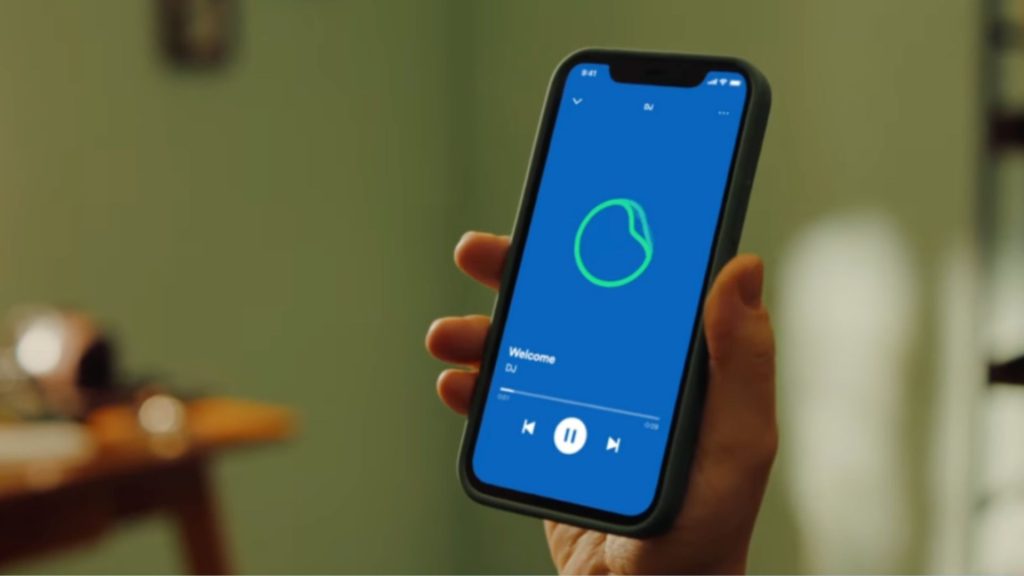
Spotify is giving its AI DJ a little more personality, adding nine new voices to choose from alongside a long-awaited option to turn off the commentary altogether.
The update brings seven English-speaking voices with British, American, Irish, Australian and Indian accents, plus two Spanish-speaking voices with Mexican accents. It’s rolling out now across markets where Spotify DJ is already available, giving listeners more choice over who introduces their music and, perhaps more importantly, whether they want an introduction at all.
The new voices aren’t simply different accents, either. Spotify has given each one a distinct personality, with American voice Tess described as direct and knowledgeable, while Australian Sam takes a more light-hearted approach. It’s a small touch, but one that could make the DJ feel less repetitive for people who regularly use it to discover new music.
For anyone who enjoys the recommendations but could do without the running commentary, Spotify has also introduced a mute option. Turning it on removes the DJ’s spoken introductions, although you’ll still hear a brief acknowledgement when starting a session or pressing the DJ button to change things up.
That does raise an interesting question about what makes Spotify DJ different from an ordinary playlist when the voice is switched off. The feature’s main appeal has always been its combination of personalised recommendations and radio-style presentation, but giving listeners control over the commentary makes it more flexible. Sometimes you want a little context about what’s playing; other times, you’d rather just get on with the music.
Spotify first introduced its AI DJ in 2023, offering a personalised listening experience that mixes familiar favourites with recommendations based on your music tastes. Listeners can also press the DJ button to switch between different genres, artists and moods without having to build a playlist themselves.
To try the new options, open Spotify on your phone and search for DJ. From there, tap the three-dot menu to choose your preferred voice and commentary settings before starting playback. You can still use the DJ button during a session to change the direction of the music.
The new voices and commentary controls are rolling out to existing Spotify DJ markets, although availability may vary as the update reaches more users.
The post Spotify gives its AI DJ more voices – but you can silence them all appeared first on Trusted Reviews.