

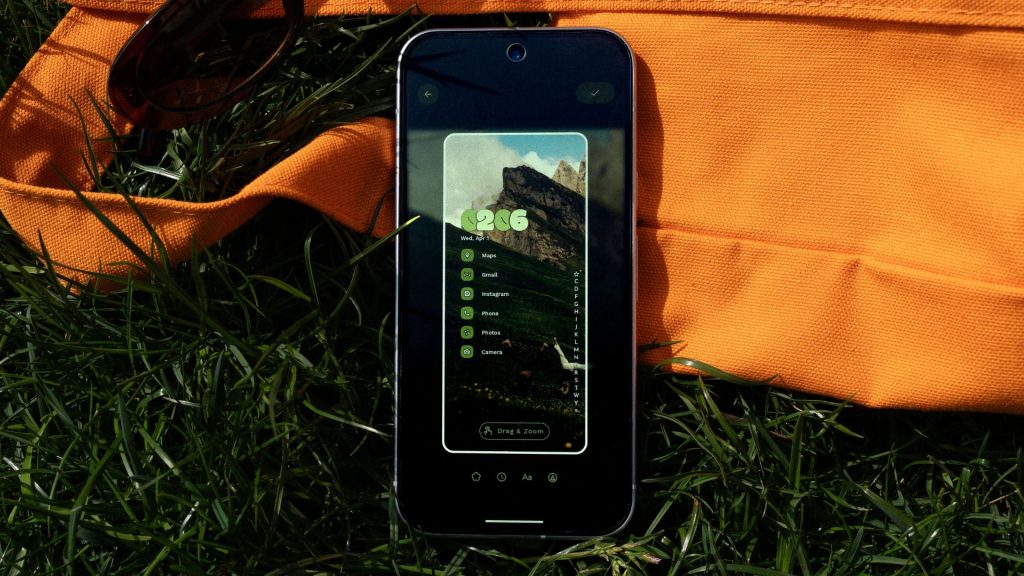
Niagara Launcher, our go-to recommendation for Android users who prefer a cleaner, distraction-free home screen, is getting a meaningful upgrade.
The new Studio Update introduces a dedicated theming hub that puts customisation tools front and centre. Importantly, it does this without losing the minimalist appeal that made the launcher popular in the first place.
At the heart of the update is Niagara Studio, a new space where users can create, tweak and switch themes in just a few taps.
Previously, getting a cohesive look on Android often meant juggling icon packs, wallpapers and widget apps. Now, it’s all handled in one place. You can build themes directly from the launcher’s settings menu. Once created, they can be easily swapped or shared.
The changes go deeper than simple cosmetic tweaks. Niagara’s themes are designed to unify the entire interface, such as syncing wallpapers, icons and system colours for a more consistent look. There’s also expanded control over Anycons, the launcher’s adaptive icon system. This system helps standardise app icons even when developers haven’t provided custom versions. As a result, you get a more polished home screen without the usual trial-and-error setup.
Tweaks to the Pros too
For Niagara Pro users, there’s a small but useful addition. You now can search contacts and start calls or messages directly from the alphabet scroll bar. This remains the launcher’s signature navigation feature.
The update is currently rolling out through Niagara’s community channels, with a wider release on the Google Play Store expected in the coming weeks. It also arrives alongside a subtle rebrand. The team now operates under the name Mellowdrop Studio, a more creative, design-focused direction.
Niagara still prioritises simplicity, but this time it gives users far more control over how their phone looks. You get this without requiring hours of tweaking to get there.
(Image: Niagara)
The post One of our favourite Android launchers just got a lot easier to make your own appeared first on Trusted Reviews.