

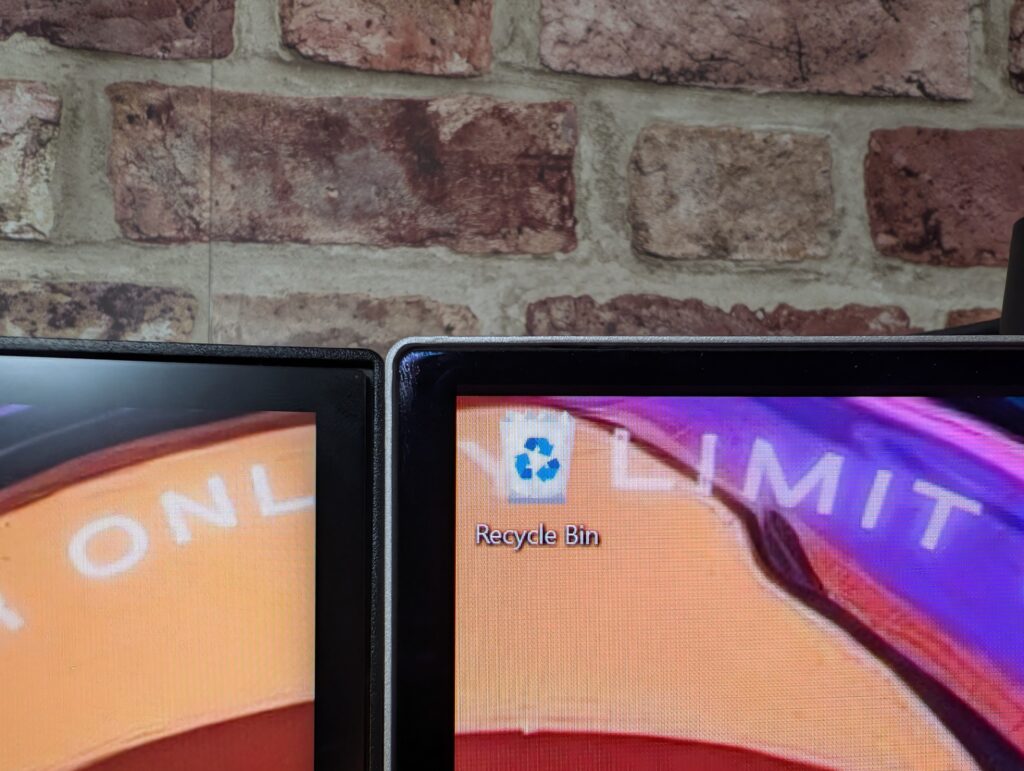
So the first time I checked out the Philips M2N8900 was back in August 2024. Yeah, it feels like a long time ago to me, too. But anyway, Philips got back in touch and asked if I wanted to check out the 32-inch version of this panel and of course, I’m not going to turn down an opportunity to see something new, and it actually comes as a decent time, as recently I’ve been toying with OLED and Mini LED panels, switching back and forth. Those videos can be seen here. However, right now I have settled on the MSI MPG 274URDFW E16M, and I do absolutely love it because Mini LED is super bright, especially in HDR, it’s 4K and has a decent 160Hz refresh rate. However, the Philips OLED panel behind me now is larger, is still 4K, and has a better refresh rate. Though I am losing out on peak brightness with HDR content, or all content overall. So what am I going to do?
One thing that is important to me, is having a couple of monitors for my content creation so I can track OBS Studio on my second monitor, while gaming or doing work on my main monitor. The issue here is the fact that the new Philips monitor is big, and unfortunately, I’ve had to remove both 27-inch panels for now until I get some more brackets to be able to mount two monitors to the wall independently. My existing wall bracket is a single piece of metal, basically, a metal bar, and that’s been very good for my two 27s. I did think that I could maybe, at a push, have this 32 with a 27 in a vertical orientation, but I’m really not keen on that idea. What’s horrid too is the fact that you’ve got to use this terrible backplate when you mount the Philips monitor, which makes it protrude further from a bracket vs my MSI monitor. Plus the fact that this thing is an absolute lump, weighing at 8.18kg, it just drooped so much on my existing monitor arm. I couldn’t tighten the bracket enough to hold it in place, and it was really quite frustrating, so I’m in the market for some new monitor arms. Let me know in the comments if you’ve got a dual monitor setup and what arms you’re using. I don’t particularly want one of these dual monitor arms again, and I want the flexibility that a single arm can bring.
So on my desk now is a single monitor for the time being as I’m testing this Philips panel, and as I don’t really work from home anymore for my 9-5, I’m not really needing two monitors. I must say I am coming around to the idea of having a larger panel as my daily driver after playing some games. It’s a clean-looking monitor, and I must say I feel like I’ve gained a bit of desk real estate compared to having two separate monitors spanning the desk.
But I know you’re not here to talk about how it looks on my desk, are you really? Let’s talk about gaming because a big focus compared to my MSI MiniLED panel was haloing, and coming back to an OLED panel from MiniLED, I’ve been very impressed that haloing is now non-existent. Just take a look at this.
The second big thing I want to talk about is HDR itself, because this is where I feel the Philips falls down. Well, not just this particular monitor, but OLED panels in general, and that’s due to the lack of peak brightness. So look, hear me out because I know that OLED panels are popular and yes I do like them myself for certain scenarios, and while they can produce true black images, the opposite side of the scale when it comes to brightness suffers compared to MiniLED. Of course I’ve not tested every single MiniLED on the market, and the same with OLED, but from my experience with this Philips panel and my last MSI MiniLED panel, it’s a noticable jump. Now, my old MSI was capable of 1000nits of brightness over 1,152 zones which made bright areas very bright.
This is where haloing could occur in my games and with my Philips panel here, while it does technically have a peak brightness of 1000 too, it sits within a 3% Average Picture Level window. Essentially meaning if the majority of the screen is dark, small areas of light can hit 1000 nits brightness, which is a far cry from the MiniLED’s capabilities. However, the offset is no haloing, and everything is extremely well controlled when it comes to lighting. Well, depending on game implementation of course because Battlefield 6 still struggles with HDR content, even after running the Windows HDR calibration like videos on YouTube told me to do first.
In SDR, the MiniLED was capable of 450nits of brightness, while the OLED here is only capable of 250nits of brightness, so again, it’s a lot more reserved. It’s certainly a personal preference, but unfortunately for me, the Philips 8900 does lose points because of this. Though the image quality it can produce, especially with colours and vividness, does really shine. I’ve been playing A LOT of Enshrouded recently, and this game can get really colourful at times which just lends itself to the panel’s capabilities. I have got everything set to max quality, with my DLSS on balanced, and at a 4K resolution, and it just looks so good! It’s easily one of the best-looking survival games out there right now, bar Crimson Desert. And yes, I have started that game too, and it does look phenomenal on this panel. I mean, you knew it would before even watching this video, right?
Any game you throw at this thing is going to look absolutely stunning. And it makes it even better that there’s a 240Hz refresh capability. Games just look really smooth, especially the less demanding titles like Ori and the Will of the Wisps just look astounding. The panel has a gloss finish too which helps with image reproduction. Glare is very well handled though. Not so much large areas in your background if light is coming from them, like you can see on the right-hand side of the panel here, but if you’ve got direct light hitting the screen in darkened rooms, it looks really controlled.
I did some tests using my Datacolor Spyder in the different colour space settings, and in its Standard Picture Mode on a Native colour space, this panel achieved 100% sRGB, 95% AdobeRGB, 98% P3 and 92% NTSC colour gamuts. It also produced an Average Delta-E of 0.84 which was stunning and really, so much better than the 42-inch version I looked at a couple of years ago. Switching to the sRGB space, it achieved 100% sRGB, but dropped to 76% AdobeRGB, 76% P3 and 71% NTSC gamuts, with a Delta-E of 0.99 so slightly higher than the Native space, but there’s no real difference really. Doing one more run on the AdobeRGB space, it achieved 100% sRGB, 94% AdobeRGB, 89% P3 and 89% NTSC with an average Delta-E of 1.21 so a slightly larger increase again, but still a decent score.
For brightness and contrast, in its SDR mode, it achieved a max brightness of 246 nits and a 16,440:1 contrast ratio, which was brilliant, and its colour uniformity at both 100% and 50% brightness was spot on too, which is to be expected with an OLED panel. Putting this up against my MSI Mini LED panel mentioned at the start of this video, it achieved a better score all around, especially when it came to colour reproduction and uniformity across the panel.
Running the monitor through my OSRTT tool, of course, being an OLED, its response times are second to none, with the Average Initial Time coming in at 0.94 with a 100 Percent in window at 240Hz. For this test, adaptive sync was switched on too. For RGB overshoot, it was exactly the same story, with the average error coming in at 1.43, so all in all, this was a wonderful result.
Standard Native Colour Space
Standard sRGB Colour Space
Standard AdobeRGB Colour Space
Response Times
I will say that despite losing my second monitor, the Philips 32M2N8900 is a very smart-looking panel and fits well within my setup, I think. The skinny pedestal legs are white with blue flakes, which look like recycled material to me. There’s a silver bottom bezel with EVNIA and Philips written on it. Paired with my white MSI PC case and white components, everything is looking quite nice right now. The left and right bezels aren’t as thin as I would have liked but it’s not like I can see them in my peripherals when I’m using the panel. This thing is massive, and when I’m playing games, I’m taking no notice of the bezels anyway. My webcam still sits quite nicely on top, though having a single monitor may mean I can start experimenting with a new camera placement for content. The monitor does move up and down, though I do have it on its lowest height to hide my cable mess, something that I’ll need to sort once I get the monitors back on the wall. The monitor also rotates and tilts, though it doesn’t rotate for vertical orientation. I did notice is that it doesn’t feel too secure on the pedestal stand and wobbles around quite a bit. It’s okay for now because it sits in its place and doesn’t move. But do be warned, there is some wobble there. It’s because the monitor is so heavy, I know it is!
Around back, you’ve got the ambiglow tech which is a bit naff. I’ve got it set to follow what’s happening on screen, but it doesn’t do it very well and a lot of the time looks white anyway. Port-wise, you’re treated to two HDMI 2.1 inputs of which you can set refresh rates independently inside of the menu. You’ve got one DisplayPort 1.4, one USB-C with power delivery for laptops, and a few USB ports as a hub. 3.2 Gen 1 ports and one has fast charge on there. A big benefit is no power brick. It’s a straight kettle plug which is nice. And overall, the aesthetic of the back of the monitor is decent though a bit disappointing with the ambiglow.
The OSD is typical, with screen settings, your gaming settings, a fancy sniper box which zooms in a segment of your screen. You’ve got your OLED panel care settings too which can help with things like burn in. It’s all nicely laid out, but the position of the joystick on the back is in a horrid position. I’d have much rather the position of this be on the bottom by the power LED or something. It’s just a bit too high and too far into the rear of the monitor to comfortably use.
Soooooooo… the big question! Is this monitor remaining on my setup? Well, sure for the time being anyway. It’s a lovely panel, and I could get away with having a single panel. But I do miss my MiniLED and its brightness. But having 32-inch real estate is also beneficial too. Let’s see how we get on. Next video in this monitor type series is going to involve getting these on the wall. Again, let me know below how you’d mount them I’d be curious on how to do it. You can see my setup here. But yeah. If you’re in the market for an OLED panel, I don’t think you can go wrong here, just don’t expect big brightness. Check it out here.
The post Philips Evnia 32M2N8900 Gaming Monitor Review appeared first on TechNuovo | Bitesized tech news and reviews.