

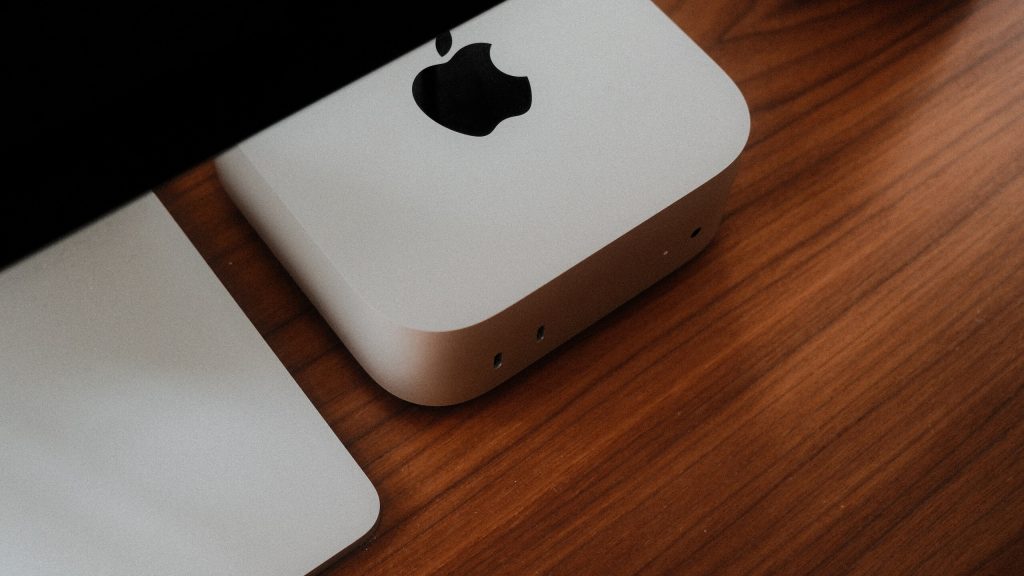
Apple has gone back to soldered storage on its latest Mac mini, but the new Mac Studio still leaves the door open for SSD replacement.
The change is a little surprising because the previous-generation M4 Mac mini introduced a removable, slotted SSD, making it possible to replace the storage rather than having it permanently attached to the logic board. Apple didn’t exactly encourage users to do it themselves, but the option was there.
That’s no longer the case with the new Mac mini. According to ExpandMacMini.com, both the M5 Pro and M6 models have their NAND storage soldered directly to the logic board, meaning the SSD can’t simply be removed and swapped for another module.
That’s a step back from the previous model, particularly for anyone who wanted to avoid paying Apple’s often expensive storage upgrades. Apple repair documentation for the new Mac mini isn’t particularly detailed yet, but there’s no indication that SSD replacement will be supported.
The new Mac Studio tells a different story. Apple’s repair documentation for both the M5 Max and M5 Ultra models includes instructions for replacing the SSD modules.
There are some important catches, though. The SSD modules are specific to each Mac Studio configuration and have serial numbers corresponding to one of the two connectors on the logic board. That means you can’t simply grab a standard M.2 SSD from a PC and slot it in.
Apple also puts the storage controller into its Apple Silicon rather than on the SSD module itself, making the modules quite different from conventional PC storage. Previous Mac Studio upgrades have therefore required specialised parts and, in some cases, complicated work.
There’s another catch: opening the Mac Studio yourself voids its warranty, and getting a replacement module working can require access to another Mac to complete the setup.
Still, the fact that the Mac Studio retains physical SSD slots means third-party storage upgrades remain theoretically possible. Companies have already offered compatible modules for earlier models, and similar options could emerge for the latest version.
So while neither Mac is exactly designed for easy storage upgrades, the Mac Studio at least keeps the hardware option alive. The latest Mac mini, meanwhile, appears to have closed that door again.
The post Mac Studio keeps swappable SSD – but it’s a different story for the Mac Mini appeared first on Trusted Reviews.